nn
Windows 10 Enterprise VDA (Virtual Desktop Access) is a licensing solution designed primarily for organizations that need to provide virtualized Windows desktops or applications to their users. However, a common question arises: can this license be used on devices that are not owned by the company? Below, we break down the key points to help you understand the licensing rules.
Understanding Windows 10 Enterprise VDA Licensing
Windows 10 Enterprise VDA is a subscription-based license that grants access to Windows 10 Enterprise from a virtual desktop infrastructure (VDI) or remote desktop session. It is important to note that this license does not include the right to install the operating system directly on a physical device. Instead, it provides access rights to a virtualized instance of Windows 10 Enterprise.
Can it be used on non-company devices?
The short answer is: Yes, but with conditions. Windows 10 Enterprise VDA is specifically designed to allow users to access corporate Windows desktops from devices that are not owned by the company. This includes personal computers, tablets, and other devices. However, there are important rules to follow:
- Device must be properly licensed: The non-company device must have a qualifying base license for Windows (e.g., Windows 10 Pro or Windows 10 Home) to be eligible for VDA access.
- User must have a VDA subscription: Each user accessing the virtual desktop must have an active Windows 10 Enterprise VDA subscription assigned to them.
- Access is via VDI only: The license only covers access to virtual desktops hosted on company servers, not local installation of Windows on the device.
- Compliance with Microsoft terms: The device must be used in compliance with Microsoft’s licensing terms, which typically require the device to be used primarily for business purposes.
Key Benefits of Using VDA on Non-Company Devices
Using Windows 10 Enterprise VDA on personal or non-company devices offers several advantages for both employees and organizations:
- Flexibility: Employees can work from their own devices, increasing productivity and convenience.
- Security: Corporate data remains on company servers, reducing the risk of data loss if the personal device is lost or stolen.
- Cost savings: Organizations avoid the need to purchase and manage physical hardware for every user.
- Easy management: IT administrators can centrally manage virtual desktops and apply updates or policies without touching personal devices.
Important Considerations
Before implementing Windows 10 Enterprise VDA on non-company devices, keep the following in mind:
- Internet connection required: Access to virtual desktops relies on a stable internet connection.
- Performance depends on device: The user experience may vary based on the capabilities of the personal device.
- Licensing audits: Ensure your organization maintains accurate records of VDA subscriptions and qualifying device licenses to avoid compliance issues.
Product Details
If you are considering purchasing Windows 10 Enterprise VDA, here is what you can expect:
- Price: 99 EUR
- Delivery: Digital shipment via email within minutes of payment.
- License type: ESD (Electronic Software Delivery) digital license with original product keys.
- Validity: No expiration; can be reinstalled on the same activation device.
Conclusion
Windows 10 Enterprise VDA can indeed be used on non-company devices, provided that the device has a qualifying Windows license and the user has an active VDA subscription. This makes it an excellent choice for organizations looking to enable secure remote work and BYOD (Bring Your Own Device) policies. Always consult Microsoft’s official licensing documentation or a licensing expert to ensure full compliance.
nn
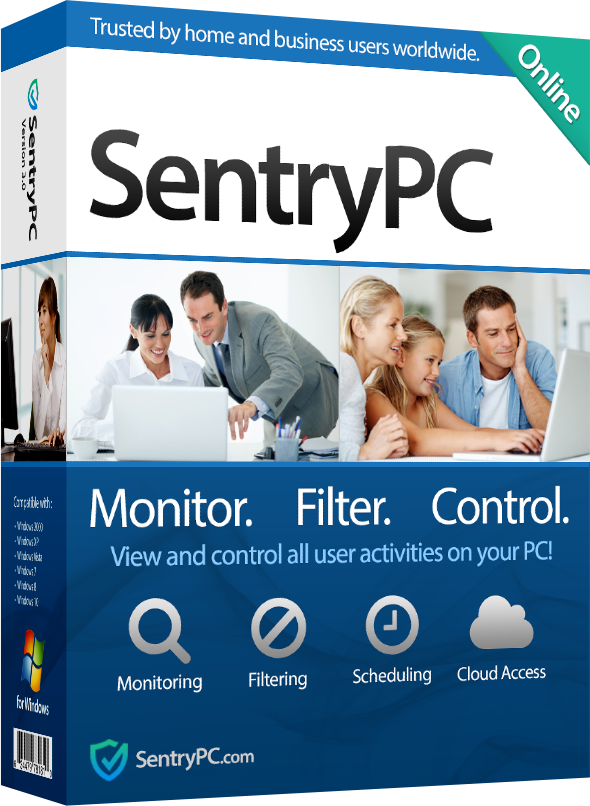
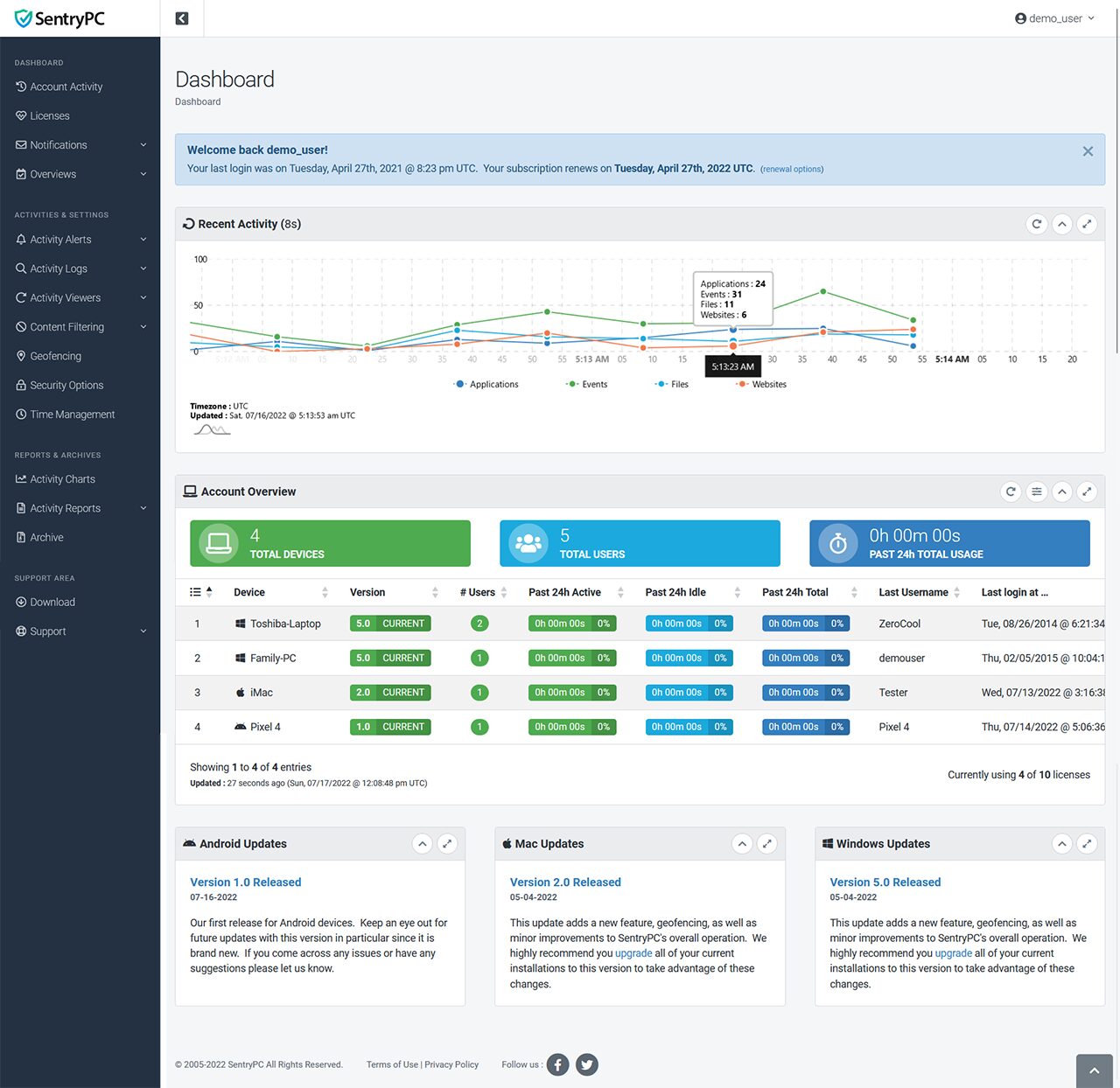
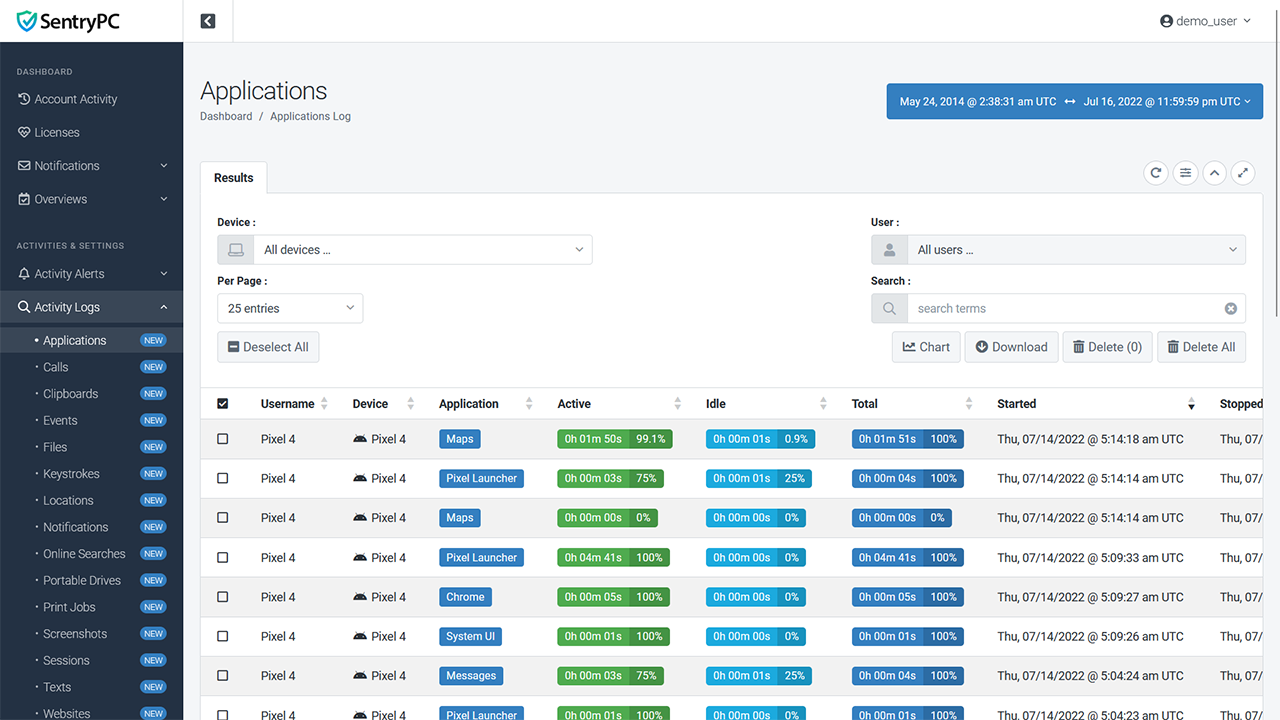
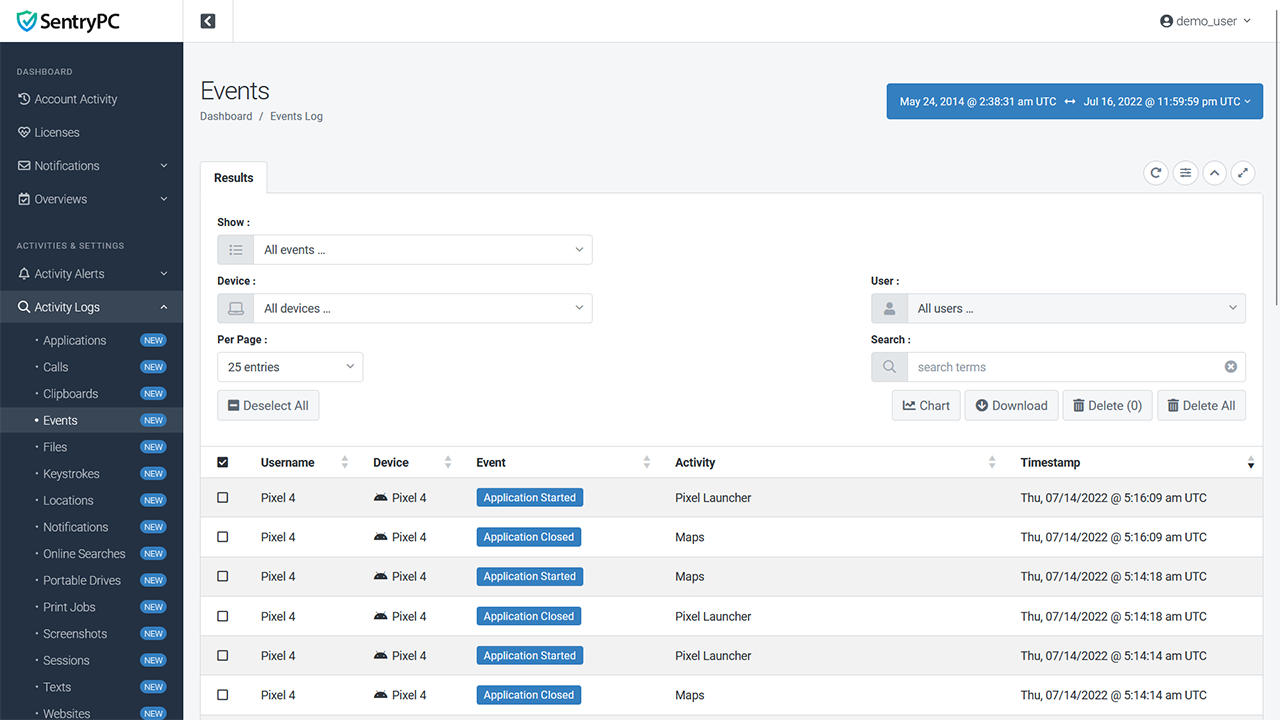
SentryPC - Computer Monitoring & Control Software - 1 License
69.95SentryPC is a completely cloud-based computer monitoring, content filtering, and time management software wrapped into one. Whether you are a…
🛒 Where to Buy
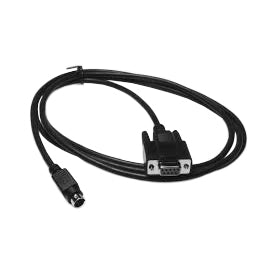
Huntleigh Reporter Cable
239.64The Huntleigh Reporter Cable (#ACC35) connects the Dopplex MD2 Bi-Directional Doppler to a RS232 port on a computer (requires software…
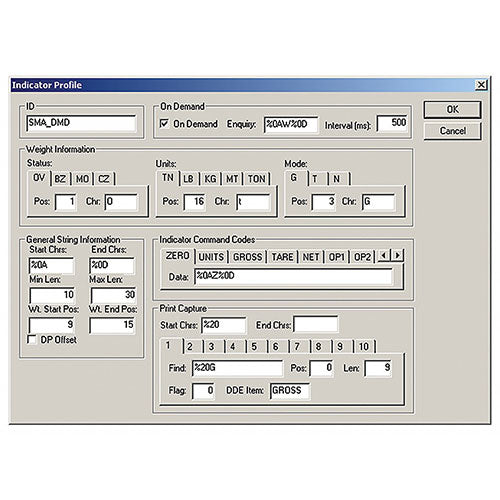
Detecto Dynamic Data Exchange Software
869.32The Detecto Dynamic Data Exchange Software (Model: WIN-DDE / #809161135800) is capable of communicating with up to 20 weight indicators…
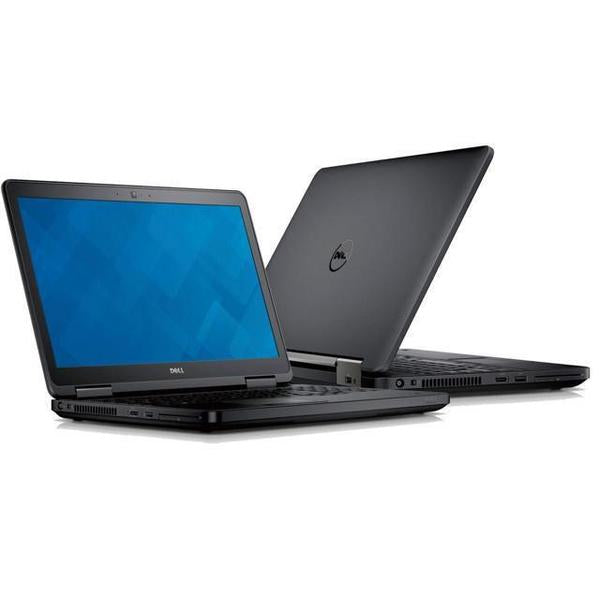
Respironics Alice Computer - Alice 5 Laptop
994.24The Respironics Alice Computer includes laptop power supply or desktop power cable.Note: For Desktop computer, External LCD monitor, keyboard, and…
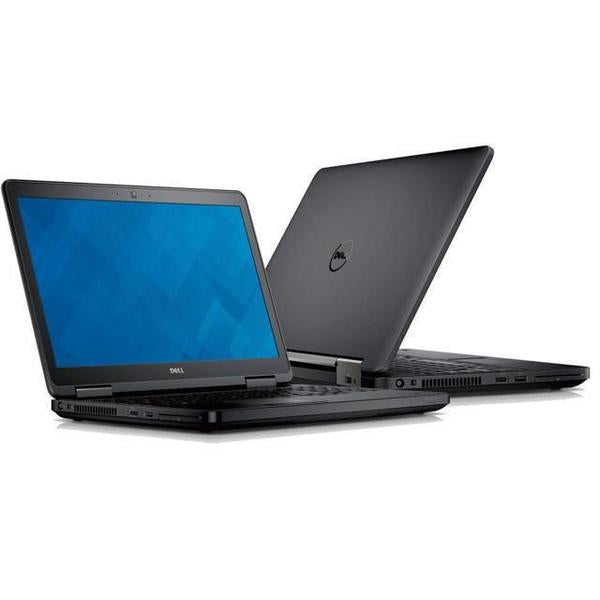
Respironics Alice Computer
808.11The Respironics Alice Computer includes laptop power supply or desktop power cable.Note: For Desktop computer, External LCD monitor, keyboard, and…
Price Comparison
Last updated: June 8, 2026 | Originally published: June 3, 2026